
An App for Sharing Lists
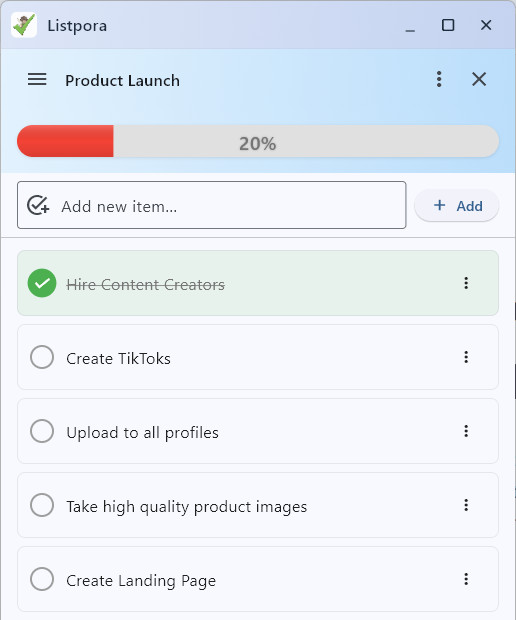
Listpora is an app for sharing lists. Teams can collaborate on shared checklists and delegate tasks to other team members.
Listpora is an app for sharing lists. Teams can collaborate on shared checklists and delegate tasks to other team members.
Get started with Listpora in three simple steps.
Start by creating a checklist for you or your team.
You can share a copy of your lists with others.
Build teams, add members, and check off tasks together.
Work together on shared lists that update instantly across all devices. Configure silent monitoring to take random snapshots of work-in-progress, ensuring that billed hours are productive hours.
With Listpora, you get:
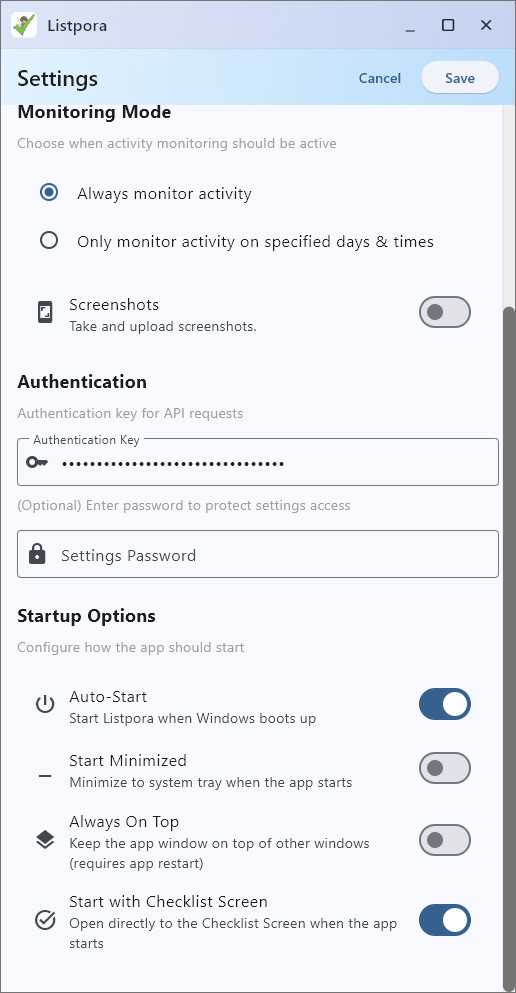
The desktop app can be configured to run silently in the background, capturing activity levels to provide a clear picture of productivity without being intrusive.
Monitoring Mode features:
For individuals getting started
For power users who need sync
For team builders
Monitoring is fully configurable. You can toggle it per user.
Yes, Listpora supports full offline mode. Changes sync automatically once you reconnect to the internet.
We use end-to-end encryption for all checklist data and screenshots. Only your team has the keys to view the content.